Your Pinterest week, already done.
Pinbutter fills your Pinterest calendar with pins made from your own website and photos. You review them once. They post themselves.
Add your website
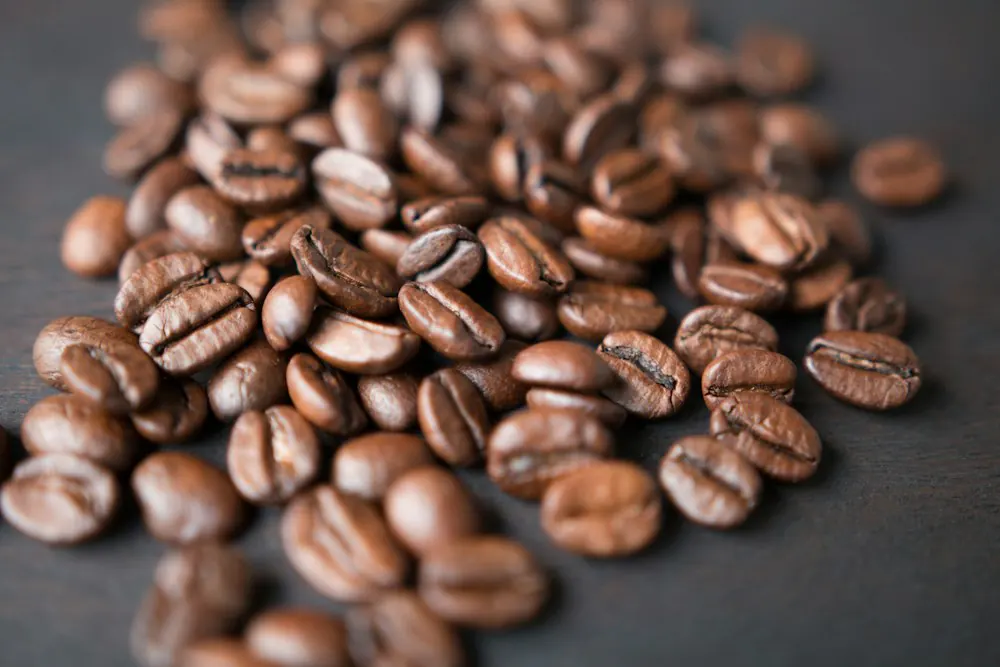
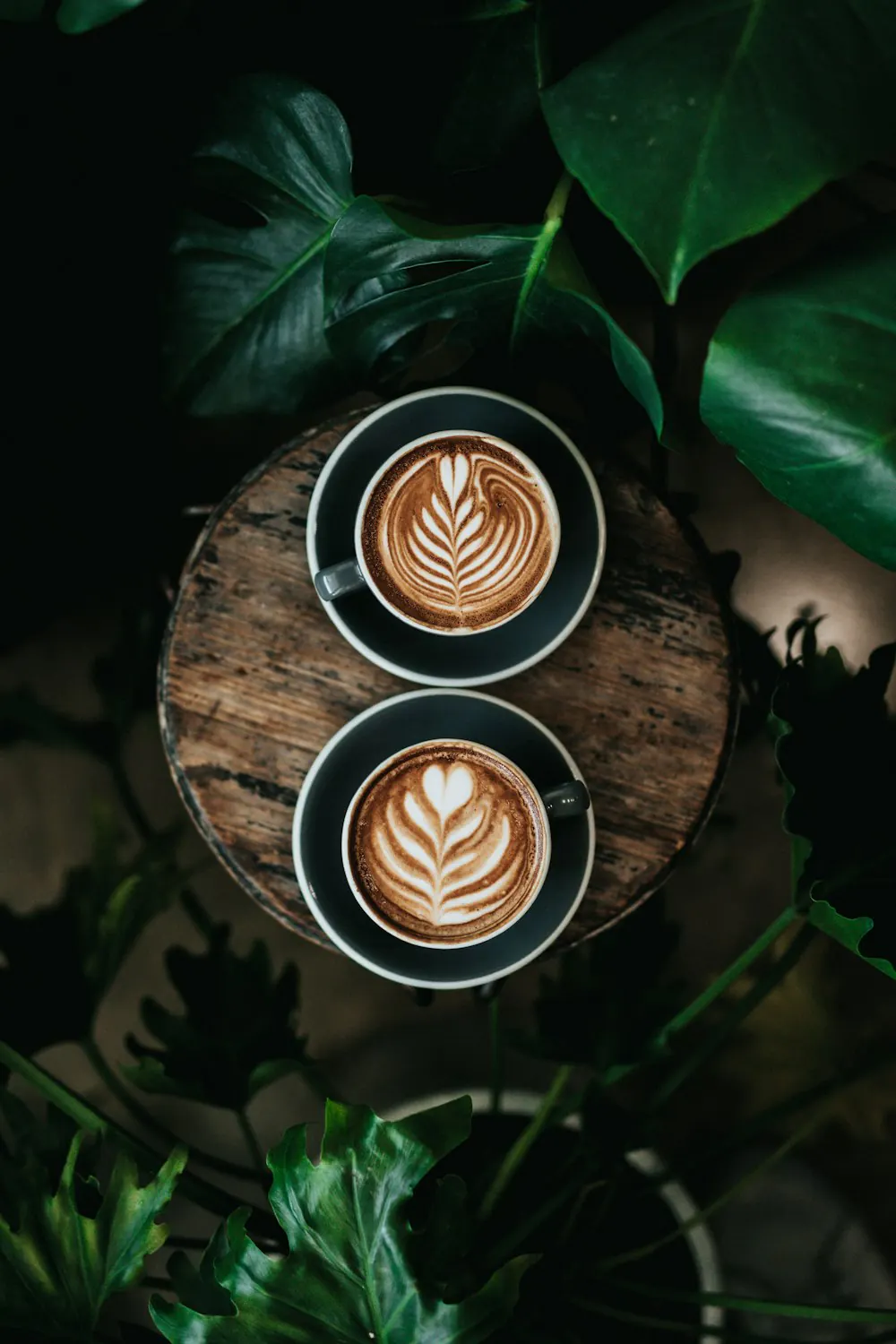
Your photos
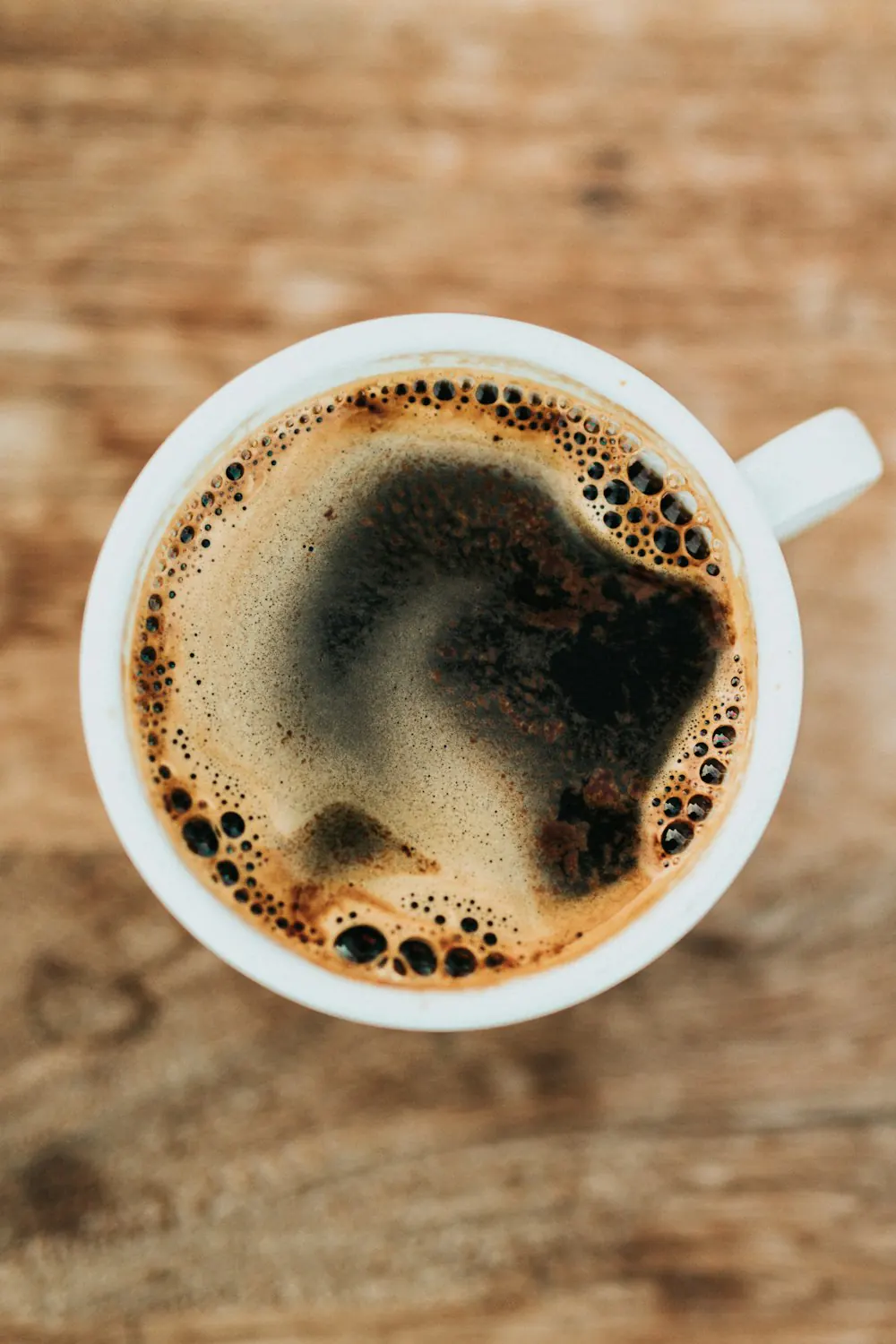
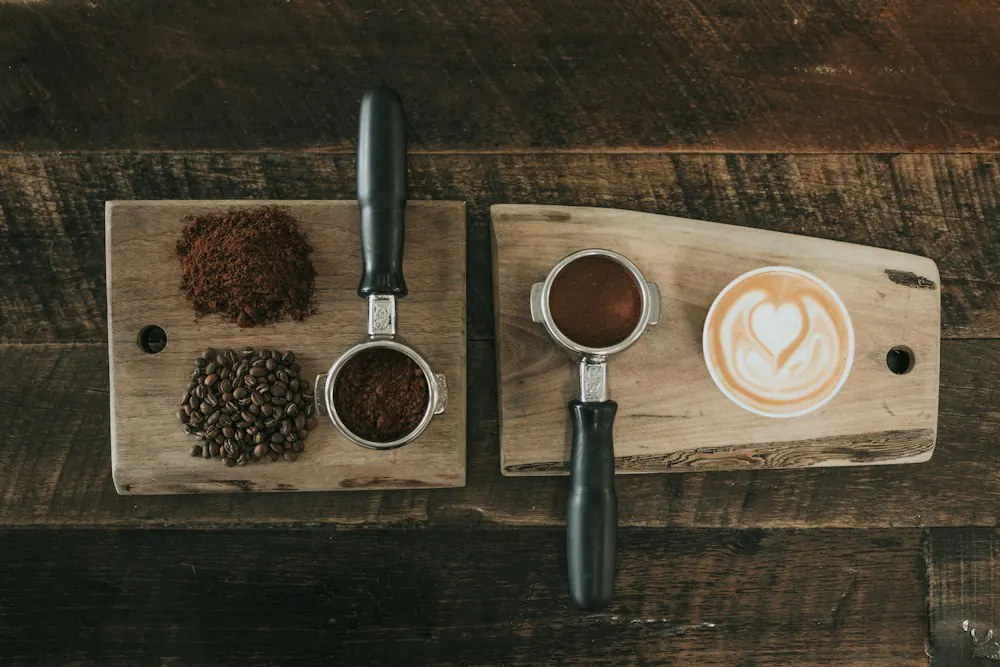
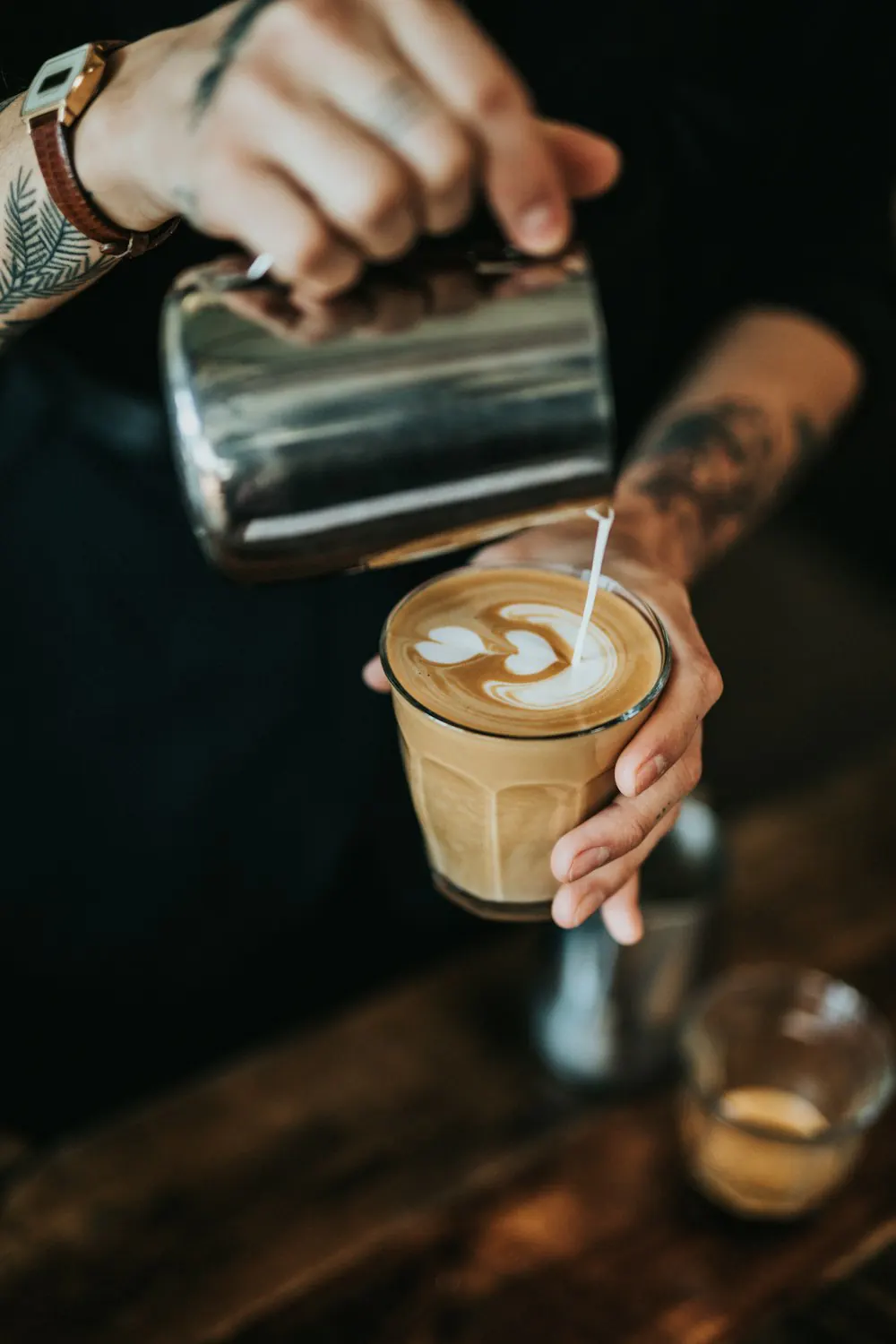
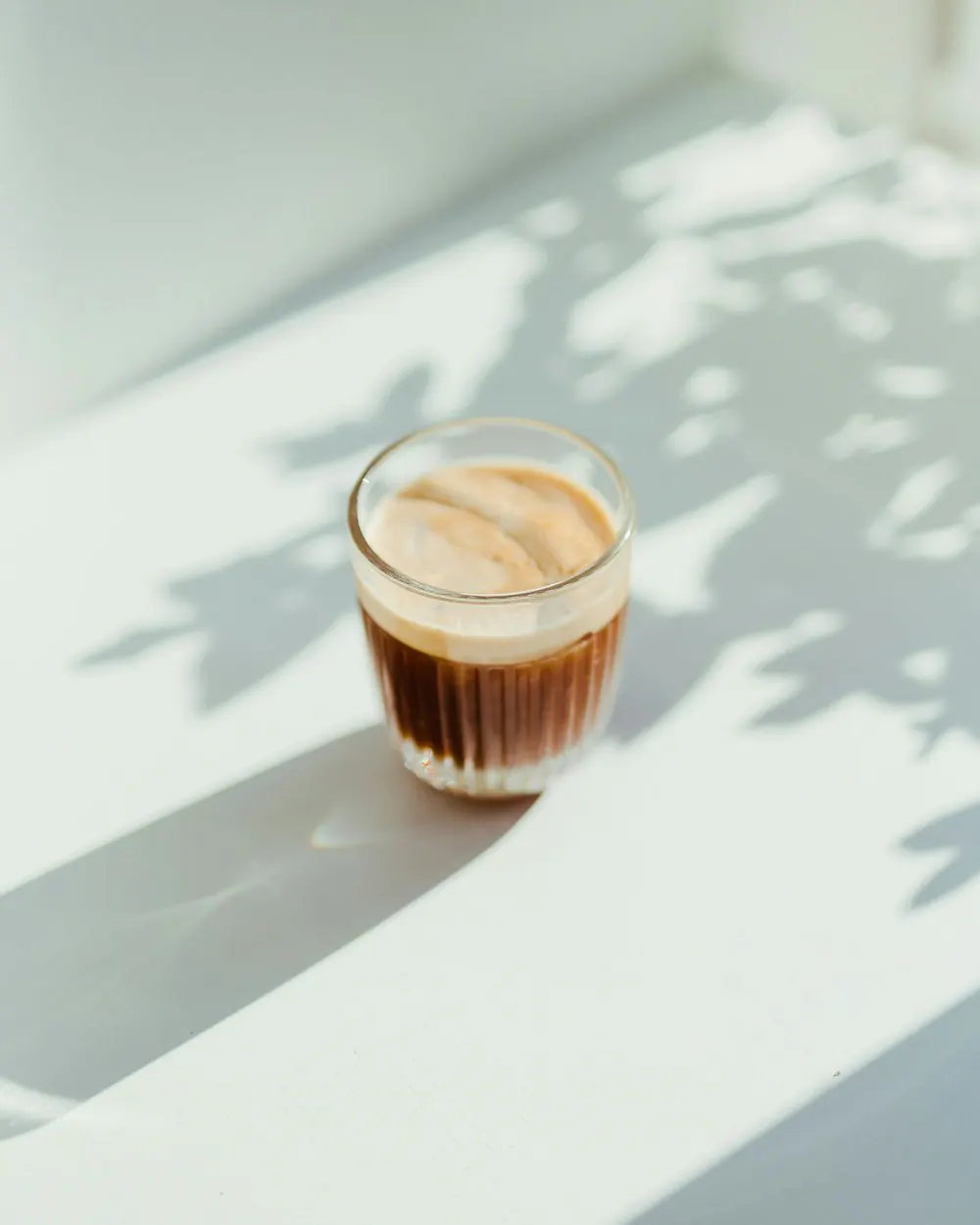
Every pin is built from a photo on your own page. Never a generated image.
Our design
+100 pin layouts, styled with your brand colours and fonts.
Your schedule
Choose your posting times once. Pinbutter fills every free slot for you.
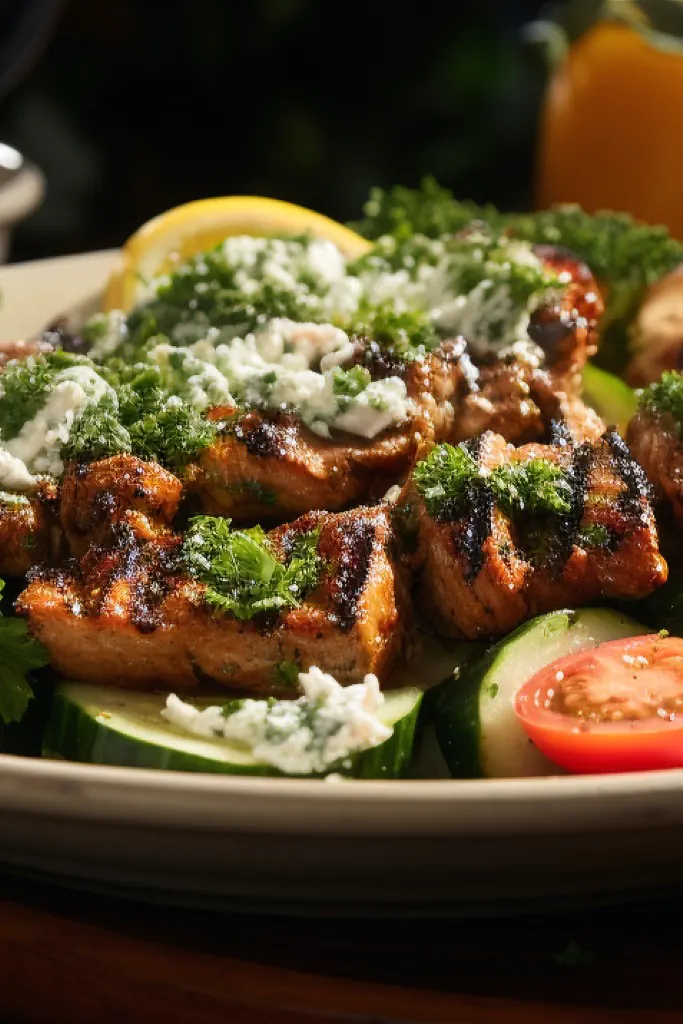
People click on what they want. Show them the real thing.
- The pin matches the page it links to
- Your brand looks like you, not like everyone else
- No odd hands, melted text or made-up products
Set up in a minute. Then it just runs.
- weeknightkitchen.comAdd siteStep 1
Add your website
Pinbutter finds your pages through your sitemap and reads the photos on them.
 Step 2
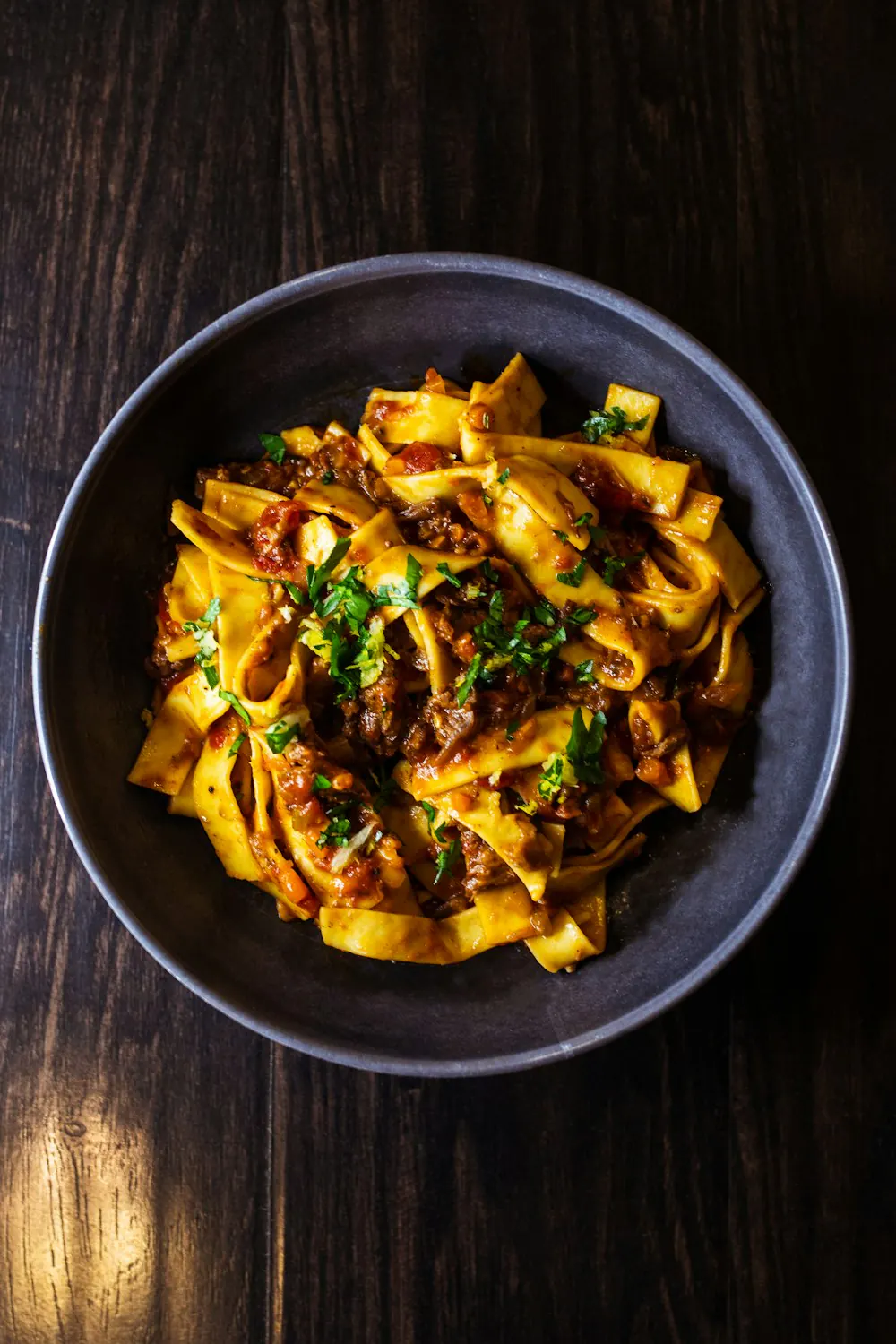
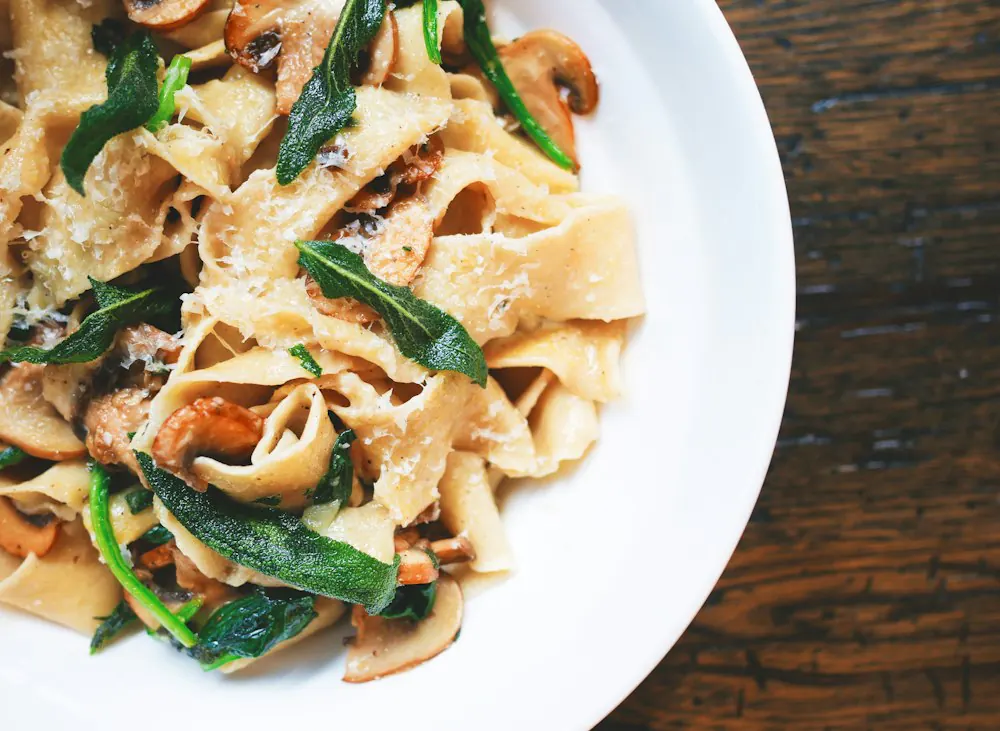
Best photos picked
Each page's photos are lined up for pins. Choose different ones whenever you like.
- 7Step 3
Pins designed for you
Your photo goes into a layout in your colours, with a title and description drafted from your page.
- Tue 09:00ScheduledWed 12:00ScheduledThu 18:30ScheduledStep 4
Approve and relax
Approve the pins you like. They post to the right boards at your chosen times.
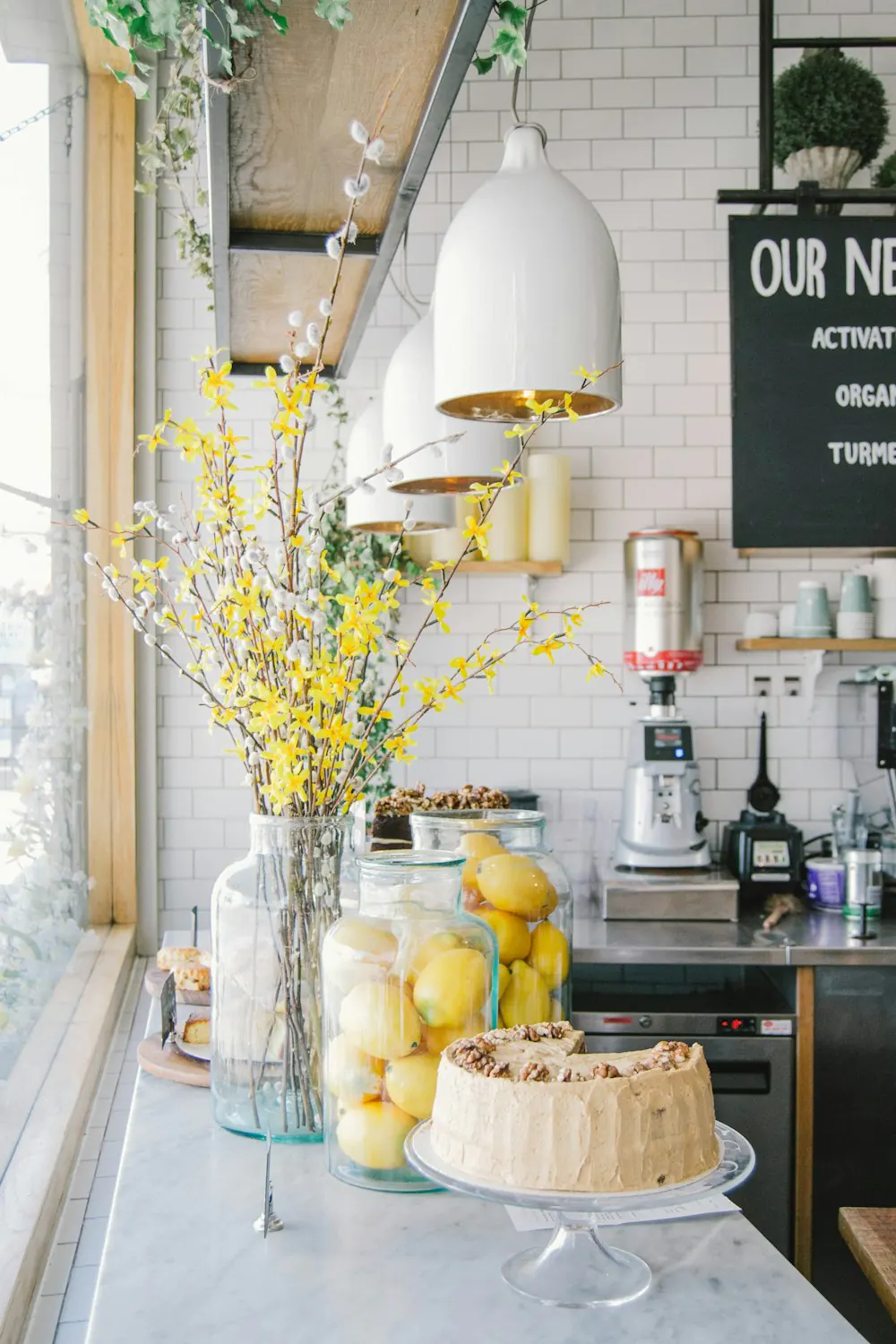
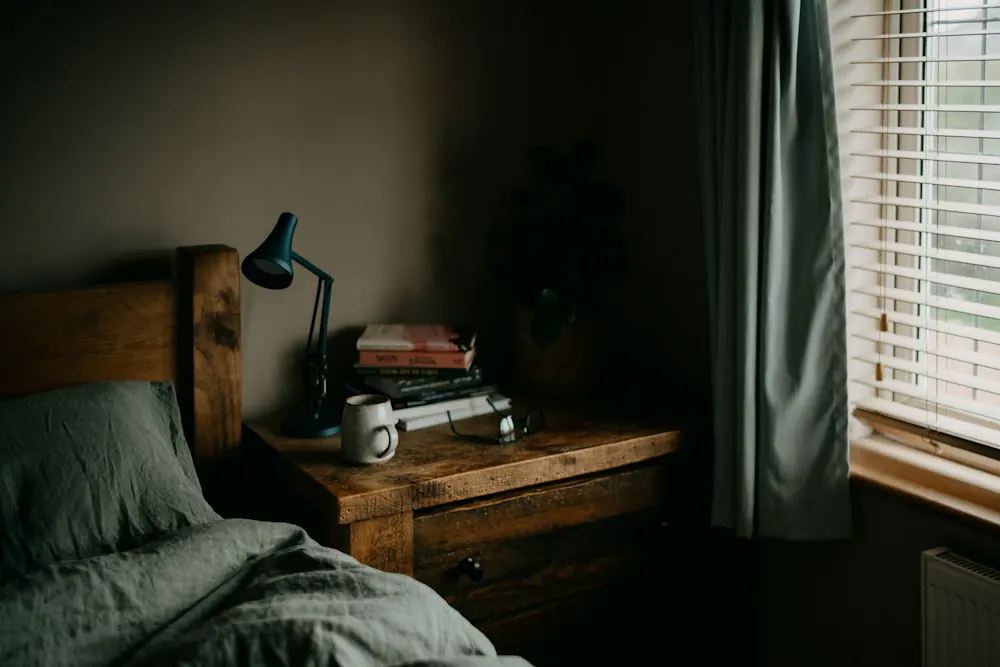
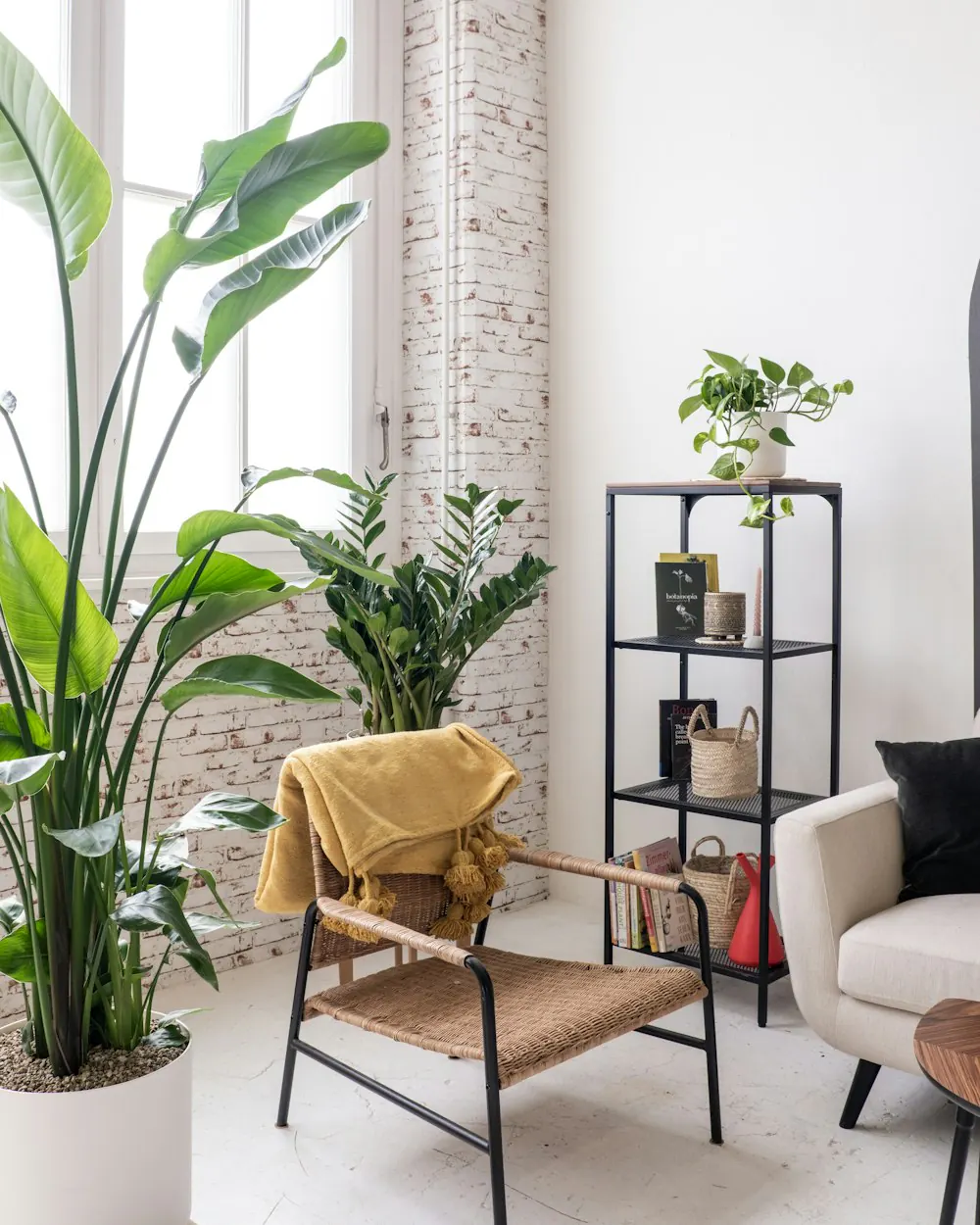
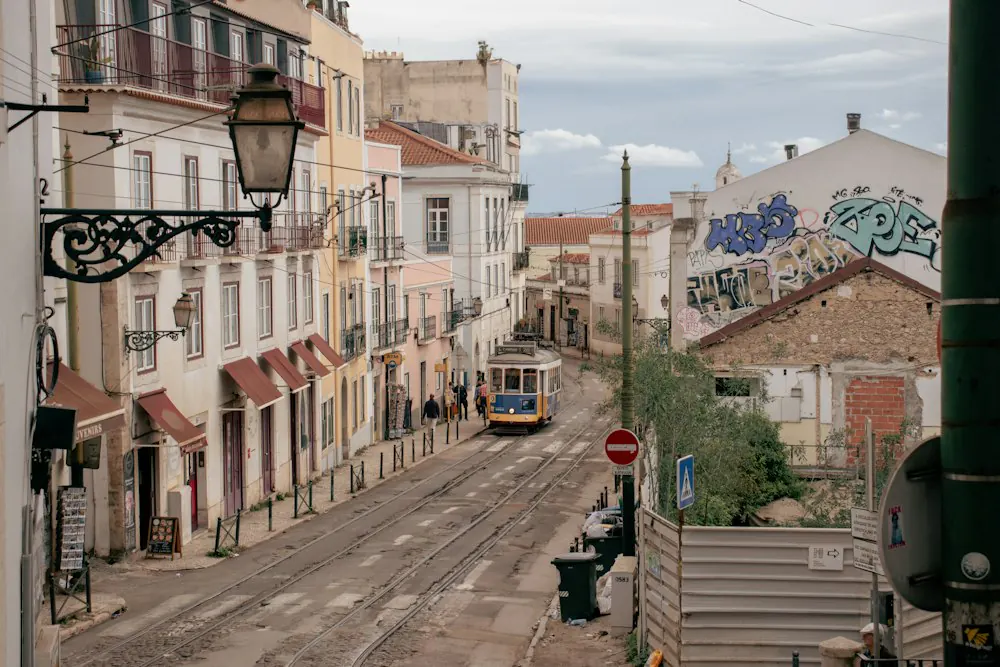
+100 layouts. All in your colours.
Set your brand colours and fonts once. Every layout picks them up, and text always shrinks to fit.

- Board
- Weeknight dinners
- Links to
- weeknightkitchen.com/tagliatelle
- Photo
- From your page
Nothing posts until you say so.
Every new pin waits in your queue. Approve it as it is, try another layout, or ask for fresh wording. Most weeks it takes a few minutes.
- Swap the layout or get fresh wording in one click
- Board rules send each pin to the right board
- A minimum gap keeps your feed from flooding
Made for sites with photos worth pinning
Food bloggers
Every recipe, pinned with the dish you actually cooked.
Bakers & cafés
Your bakes and your counter, the way customers will see them.
Travel writers
Your own shots of the places you write about.
Home & interiors
Before-and-afters and room tours, straight from your posts.
Pick how much Pinterest you want done.
Every plan makes, schedules and posts your pins for you.
Starter
For one blog, pinned steadily.
Billed monthly
- Website1
- Pinterest account1
- Pages per websiteUnlimited
- Pins posted150/mo
- AI credits250/mo
- All 100+ pin layouts
- Pin titles and descriptions written for you
- Review before anything posts
- Smart scheduling
Studio
For a portfolio of sites.
Billed monthly
- Websites10
- Pinterest accounts10
- Pages per websiteUnlimited
- Pins posted2,000/mo
- AI credits3,000/mo
- All 100+ pin layouts
- Pin titles and descriptions written for you
- Review before anything posts
- Smart scheduling
Want to try it first?
Sign up free and get 30 credits to make test pins from your website. Choose a plan when you want them posted.
Before you add your site.
The things people ask us most before they get started.
Are the images AI generated?
No. Pins use the photos already on your website. AI only helps draft the pin's title and description, and you can edit those.
Will anything post without me?
Never. Each new pin waits for your approval before it's scheduled.
What kind of sites work?
Blogs, recipe sites, shops, travel guides. Any site with pages and photos worth pinning.
Do I need to upload anything?
No. Add your website address and Pinbutter finds your pages and their photos for you.
Can I post to more than one board?
Yes. Connect your Pinterest account, then set which boards each kind of page goes to.
Can I manage several websites?
Yes. Add more sites and switch between them in one click.